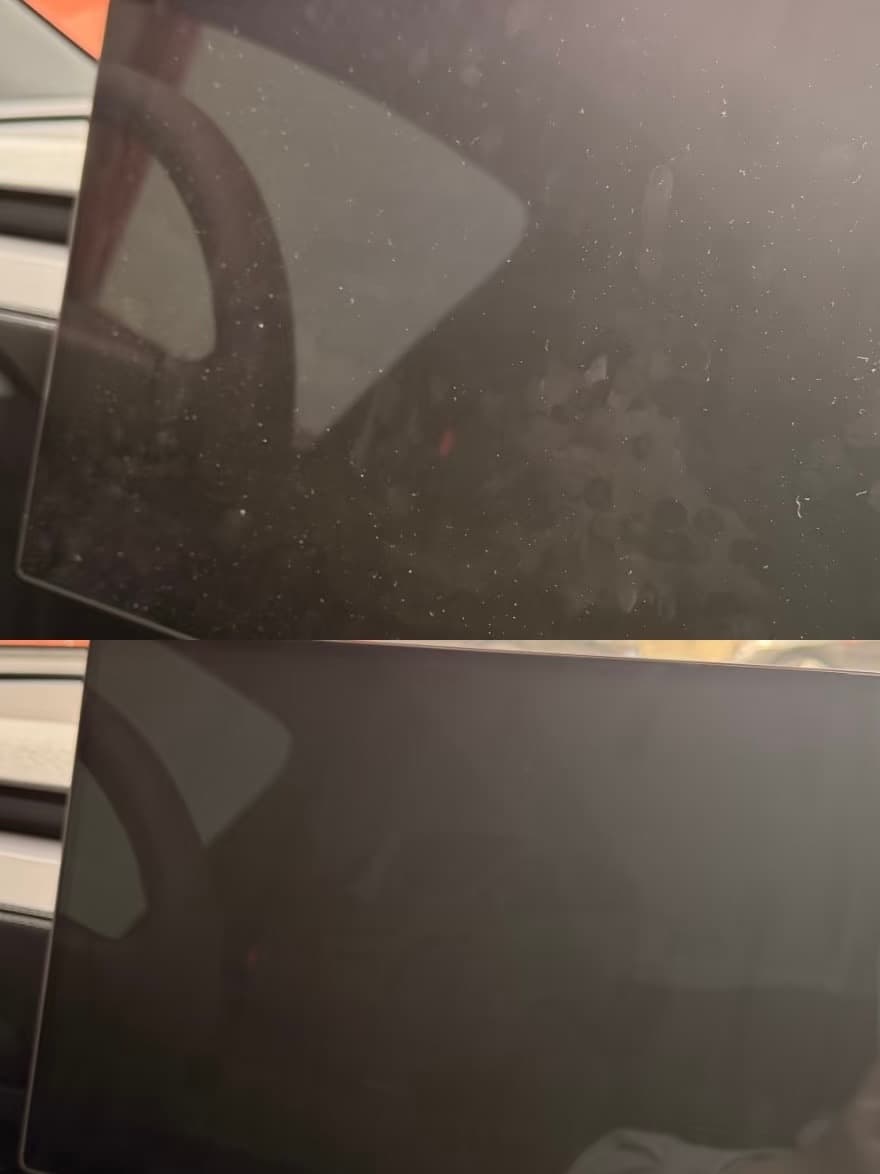
No. Tesla's current Model Y Owner's Manual says not to apply a touchscreen protector. Tesla warns that a protector can cause unintended inputs, delayed response, unresponsiveness, or electrostatic-discharge damage. Use the manual's cleaning method instead.
What Tesla Says
The official Model Y Owner's Manual includes a warning not to apply a screen protector to the touchscreen. It states that doing so can result in unintended inputs, delayed response, touch unresponsiveness, or damage caused by electrostatic discharge.
The manual also says damage caused by installing a screen protector is not covered by warranty.
That makes this decision different from an ordinary accessory comparison. A matte finish, easier fingerprint cleaning, or scratch concern does not outweigh a direct manufacturer warning about touch operation and possible damage.
Why Owners Consider One
The usual reasons are understandable:
- Fingerprints
- Glare
- Fear of scratches
- Preference for a matte surface
- A desire to protect resale condition
The better response is to address the specific problem without adding a layer Tesla advises against.
Fingerprints
Keep a clean, soft lint-free cloth in a protected console or glovebox location. Clean the display using Screen Clean Mode so accidental touches do not activate controls.
Glare
Adjust seating position and display brightness, and observe whether the glare occurs only at a particular time or parking direction. A screen film is not the only possible response, and the tradeoff is not worth ignoring Tesla's warning.
Scratch concerns
Do not place keys, tools, metal clips, or loose hard objects near the display. Be careful when moving cargo through the cabin and when using a phone mount attached near the screen.
How to Clean the Touchscreen
Follow the current owner's manual for the exact vehicle. A practical routine is:
- Park the vehicle safely.
- Open the touchscreen cleaning setting and enable Screen Clean Mode.
- Use a clean, soft, lint-free cloth.
- Wipe lightly without pressing hard on the display.
- Avoid unapproved cleaners or abrasive material.
- Exit Screen Clean Mode only after the display is dry and clear.
Tesla's manual provides the controlling instructions. Cleaning products and screen materials can change, so use the current manual rather than an old forum method.
What If a Protector Is Already Installed?
Do not pull aggressively at the display or use a metal tool. First read:
- The current Tesla touchscreen warning
- The protector maker's removal instructions
- Any adhesive or heat guidance supplied with the product
If the screen has phantom inputs, delayed response, dead areas, visible lifting, residue, or damage, stop treating it as a cosmetic issue. Remove the product only by an appropriate method or seek service guidance.
Whether a particular adhesive can be removed without residue or stress needs product-specific evidence. Do not assume every film behaves the same after cabin heat and long-term use.
Better Ways to Protect the Screen Area
- Store hard objects away from the display
- Route charging cables so plugs cannot strike the screen
- Choose phone mounts that do not press on the display or its housing
- Use a clean cloth dedicated to the touchscreen
- Clean grit from the cloth before wiping
- Avoid spraying liquid directly onto the display
- Teach children and passengers not to use objects as styluses
These habits protect the screen without changing its touch surface.
Owner Notes
- What I would buy first: a good lint-free cleaning cloth stored where it stays clean.
- What I would delay: any product attached to or resting against the display.
- What I find useful: Screen Clean Mode and a quick light wipe instead of trying to make the display permanently fingerprint-free.
- A common new-owner mistake: installing a screen protector automatically because it is normal on a phone, without reading the vehicle manual.
The Model Y screen is a vehicle control surface, not just a larger phone.
If I Were Buying Again
If I were setting up the car again, I would skip the screen protector, keep one clean cloth in the console, and make sure any nearby phone mount or cable could not touch the display. I would follow Tesla's current cleaning instructions and accept that occasional fingerprints are normal.
FAQ
Does Tesla recommend a screen protector for Model Y?
No. The current Model Y Owner's Manual says not to apply a screen protector because it can cause unintended inputs, delayed response, unresponsiveness, or electrostatic-discharge damage.
How should I clean the Model Y touchscreen?
Use Screen Clean Mode and follow the current Owner's Manual. Tesla directs owners to use a soft lint-free cloth and warns against cleaners that can damage the display.
What if I already installed a screen protector?
Review the current Owner's Manual and the product removal instructions. If touch behavior changes, stop relying on the protector and arrange careful removal or service guidance as appropriate.